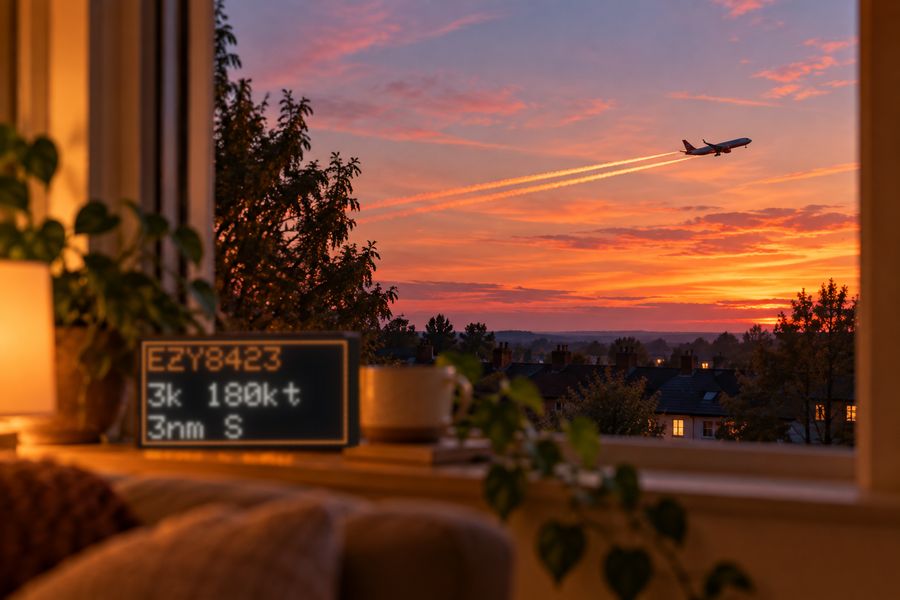
Live flights
The aircraft near your home: callsign, airline, route, altitude, speed, distance and bearing, with airline colours and the destination's flag.
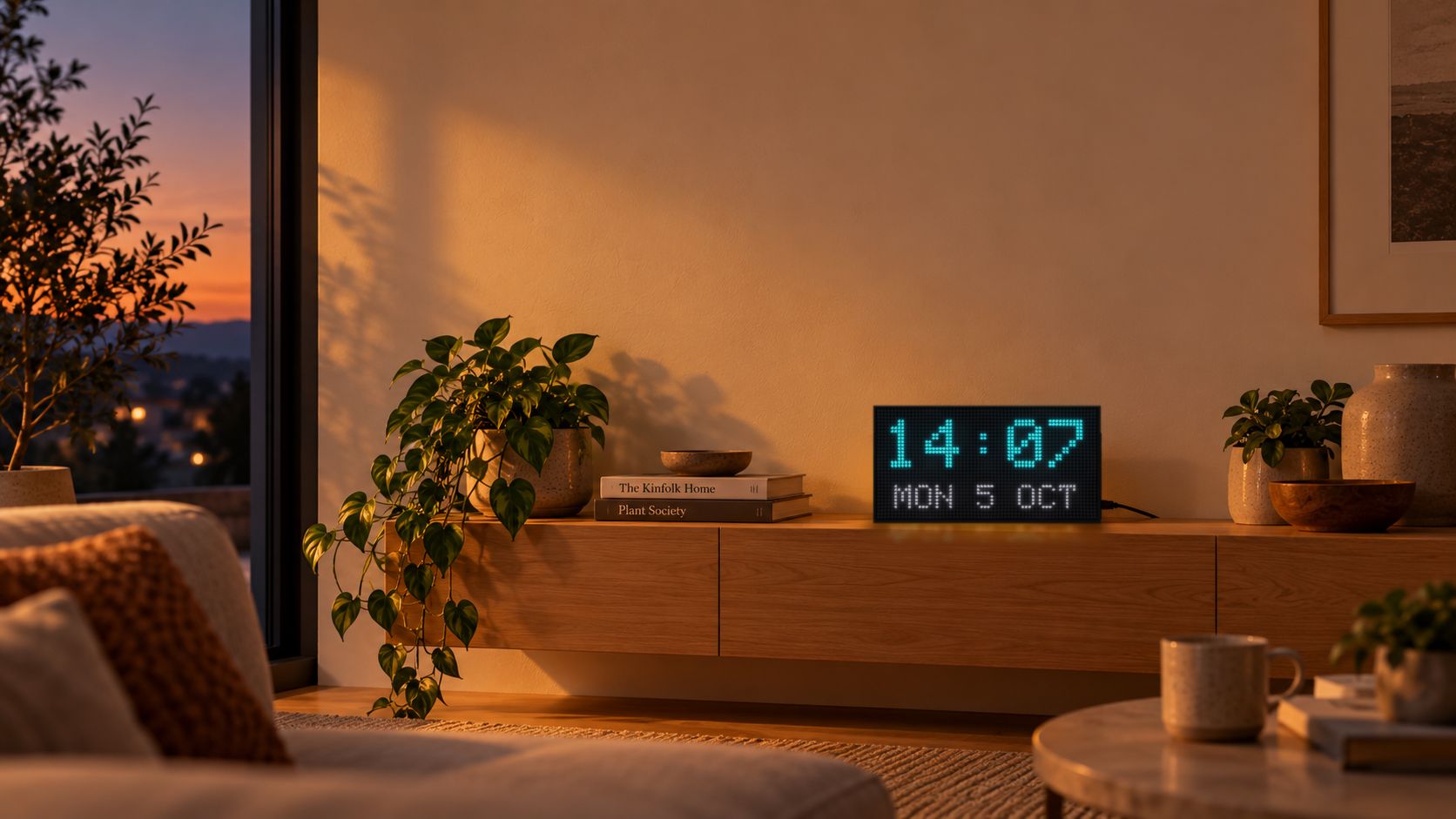
Aircraft overhead, the forecast, the markets and the time, on a bright LED panel that runs entirely on its own.
Features are planned, not confirmed. Tell us what you'd like to see.
Each scene has its own order and on-screen time. If a scene has no data, Glowgrid skips it and moves on.
Planned, not confirmed. Glowgrid is in early development. What you see here is our current plan, and it may change before the first units ship. Tell us what you'd like to see.
The aircraft near your home: callsign, airline, route, altitude, speed, distance and bearing, with airline colours and the destination's flag.
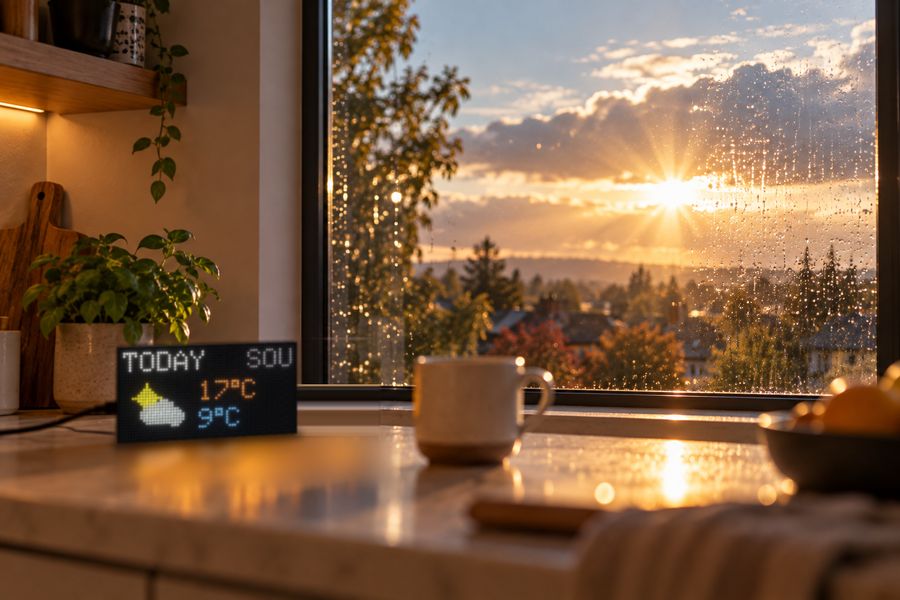
Today plus the next three days, with icons and highs and lows, in °C or °F.
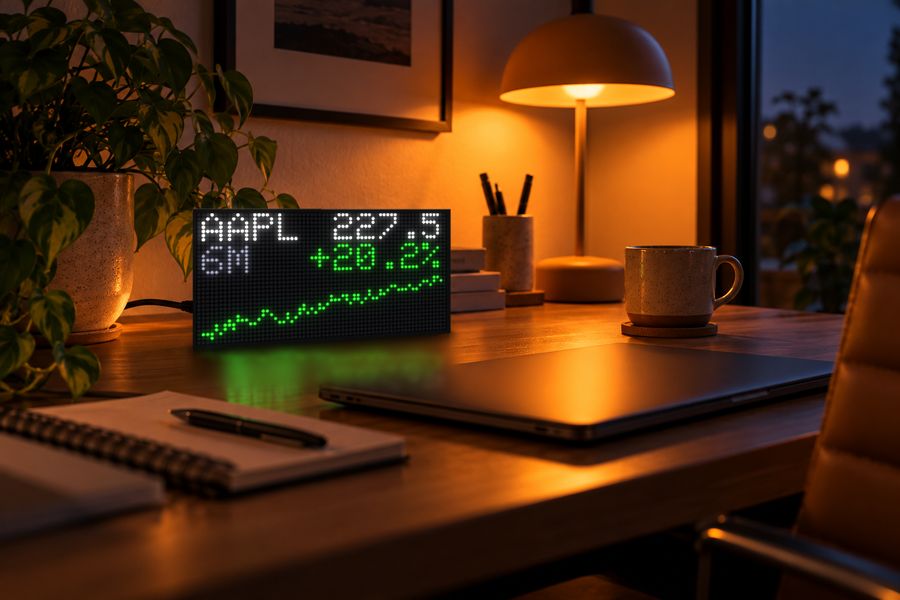
Up to three symbols with price, percentage change, a six-month graph and the day's high and low.
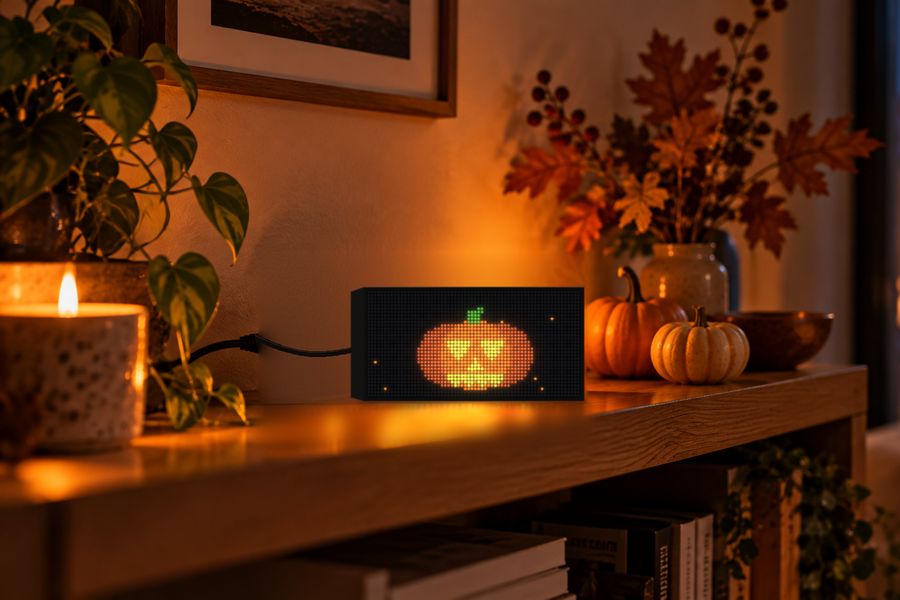
Ten animated celebrations to switch on, from Pumpkins to Diwali, plus three custom themes with your own message and icon.
Glowgrid serves its own settings page, so there's no app to install and no account to create. Change anything from a browser on your home network and watch a live view of the panel as you go.
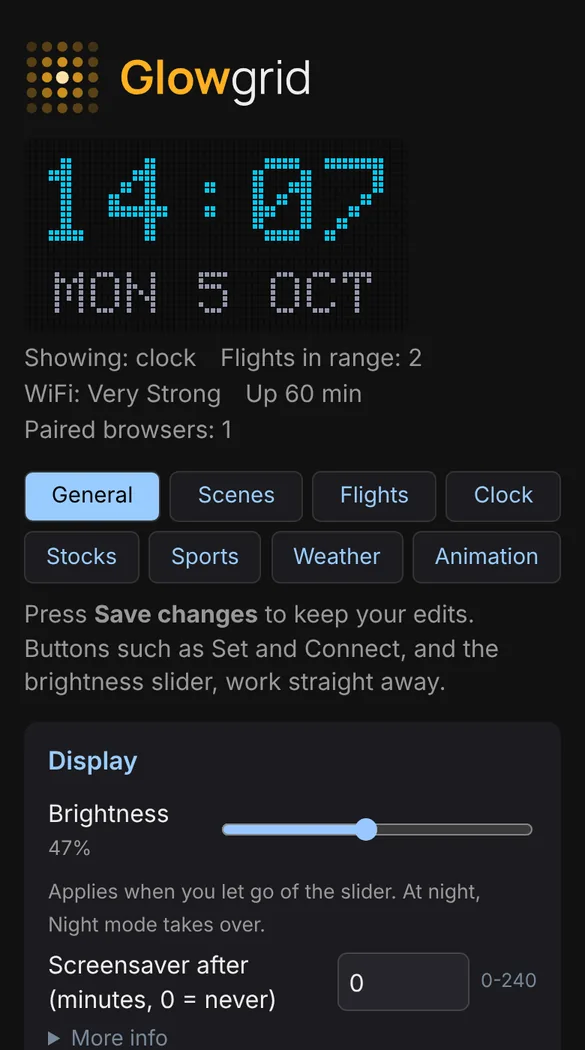
The settings page lives on the display itself, with a live view of the panel that updates as you go. Here's what each part controls.
Still taking shape. These settings are a plan and aren't final. Your feedback decides what stays, what changes and what gets added. Share your thoughts.
The panel walks you through setup step by step, so there's nothing to install and no code to touch.
The full step-by-step setup guide with screenshots, answers to common questions, and My Displays for registered owners.
Something we haven't covered? Ask it in the waitlist form and we'll reply personally.
Ask a questionNo. Setup and settings are a web page served by the display itself, so any phone or computer on your home network can use it. You never need an account to use your display. You can optionally register it with your email to see it in My Displays on this website.
The 64 × 32 panel is compact, so the flight scene gives a single aircraft all the space it needs: where it is, what it is and where it's going, across three screens.
Aircraft and routes come from free community feeds (adsb.lol and adsbdb), weather and location lookup from Open-Meteo, and stock quotes from Yahoo Finance, which is an unofficial source. Coverage and availability depend on those providers.
A scene with no data is skipped, and idle animations fill any gaps. If Wi-Fi drops, the panel says so and keeps retrying until your network is back.
2.4 GHz networks only. The password is checked before it's saved, so a wrong one is reported straight away. If the display can't join, it reopens its setup hotspot after about a minute.
Only browsers you have paired with the display. You pair a browser by entering a six-digit code shown on the panel, and the code expires after two minutes.
Hold the BOOT button for 3 seconds to forget your Wi-Fi network, or for 10 seconds to erase all settings.
No. Glowgrid is in early development, and the scenes and settings on this page are what we're planning. Some may change, and others may be added or dropped before the first units ship. Tell us what you'd like to see in the waitlist form and it will help shape what we build.
Pricing isn't finalised yet. Waitlist members will hear first.
Glowgrid is in early development and the hardware is working. Join the waitlist for progress updates and first access to the earliest units.
Leave your details for occasional updates and an invitation to the first small batch. Features are still being planned and aren't confirmed, so tell us what you'd like to see.